Your Cart is Empty



View other products by IK Multimedia

Transform your recordings with AI-powered voice and instrument modeling
IK Multimedia ReSing MAX brings expressive voice and instrument transformation to your desktop, giving producers, songwriters, and sound designers a versatile way to explore new sonic identities. Working as both a plug-in and a standalone application, ReSing uses advanced AI modeling to replace the timbre and phonetic characteristics of recorded vocals with those of artist-based voice models.
The MAX edition includes 25 voice models, 25 instrument models, 25 model generations, and unlimited model imports. From developing a new vocal direction to experimenting with instrument textures or creating your own custom models, ReSing MAX provides an expansive creative toolkit without a subscription.
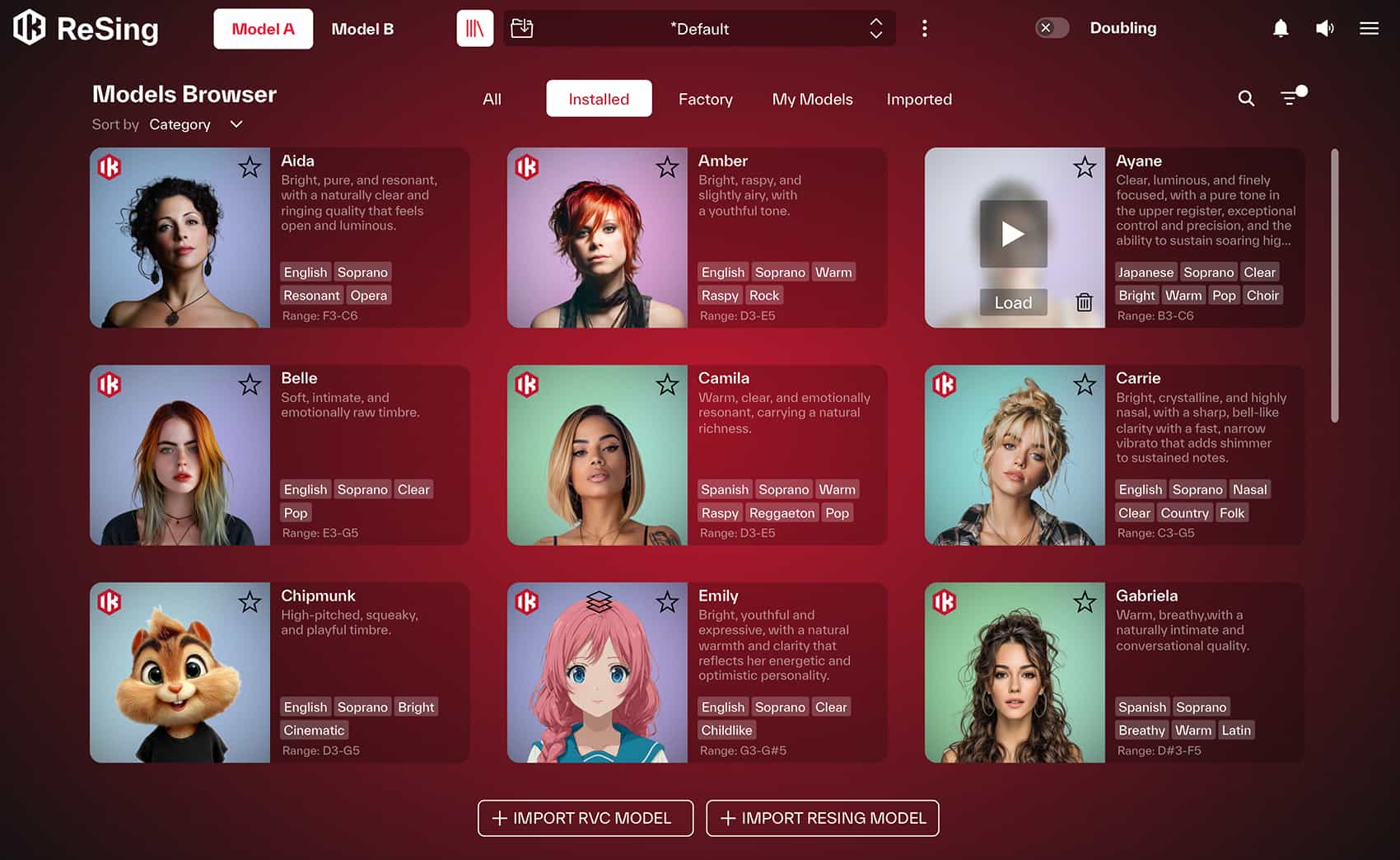
An extensive palette of voices and instruments
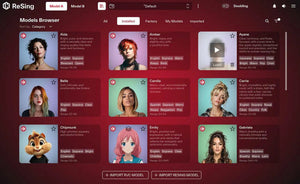
Explore vocal models with distinct tones, registers, and personalities to find the right character for your production. The library offers a broad range of styles, from warm and intimate performances to bright, raspy, soulful, and powerful voices. ReSing supports models in English, Spanish, and Japanese, opening up additional possibilities for vocal production.
The included instrument collection extends the creative palette beyond vocals. Discover acoustic and electric guitars, basses, saxophones, trumpet, flute, French horn, violin, percussion, marimba, and synthesized sounds. With 25 instrument models alongside 25 voices, ReSing MAX gives you a wide range of starting points for musical experimentation.
Shape the character of every performance
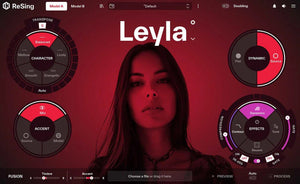
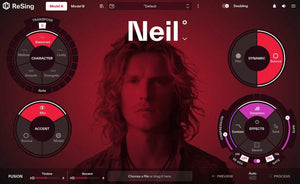
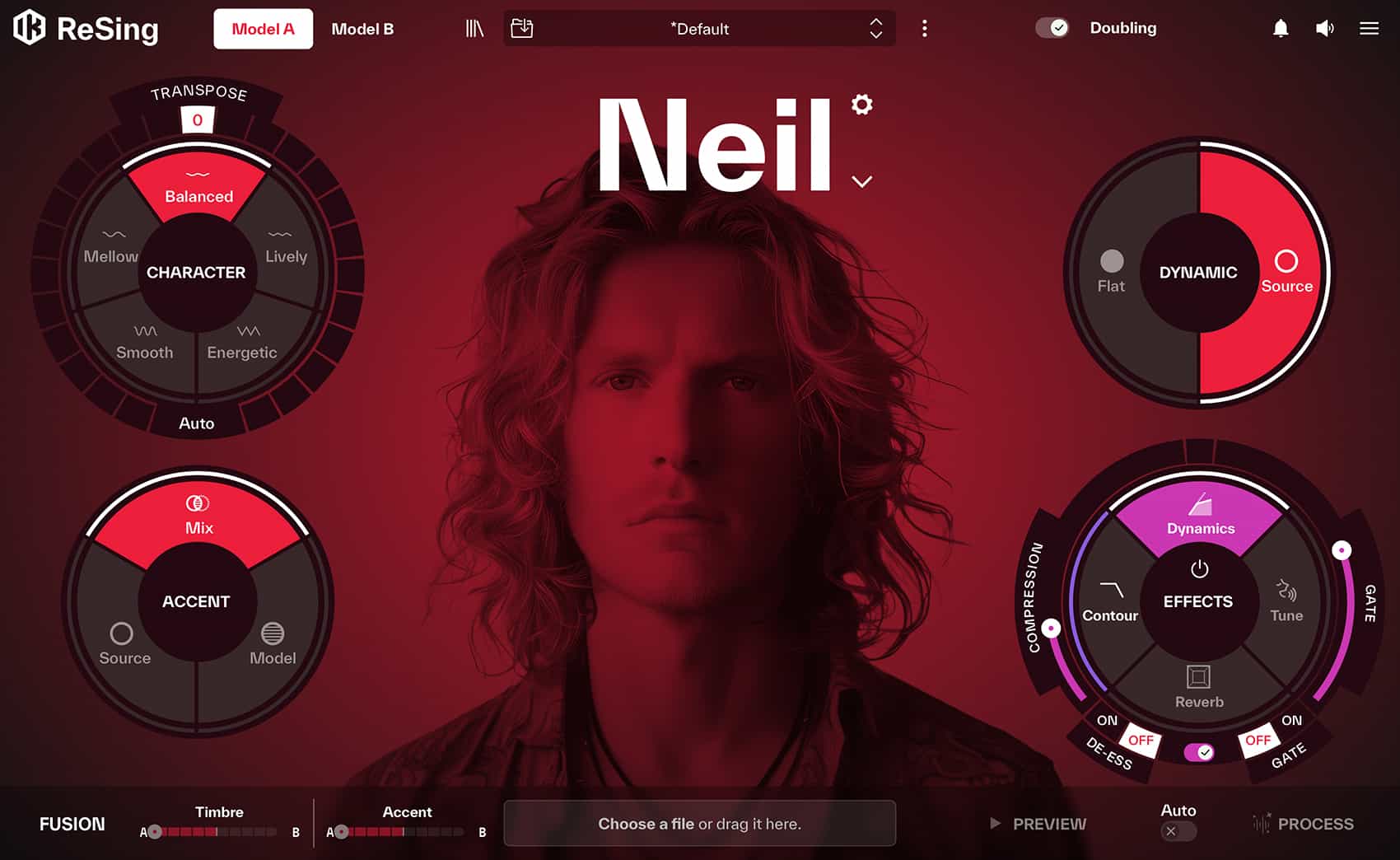
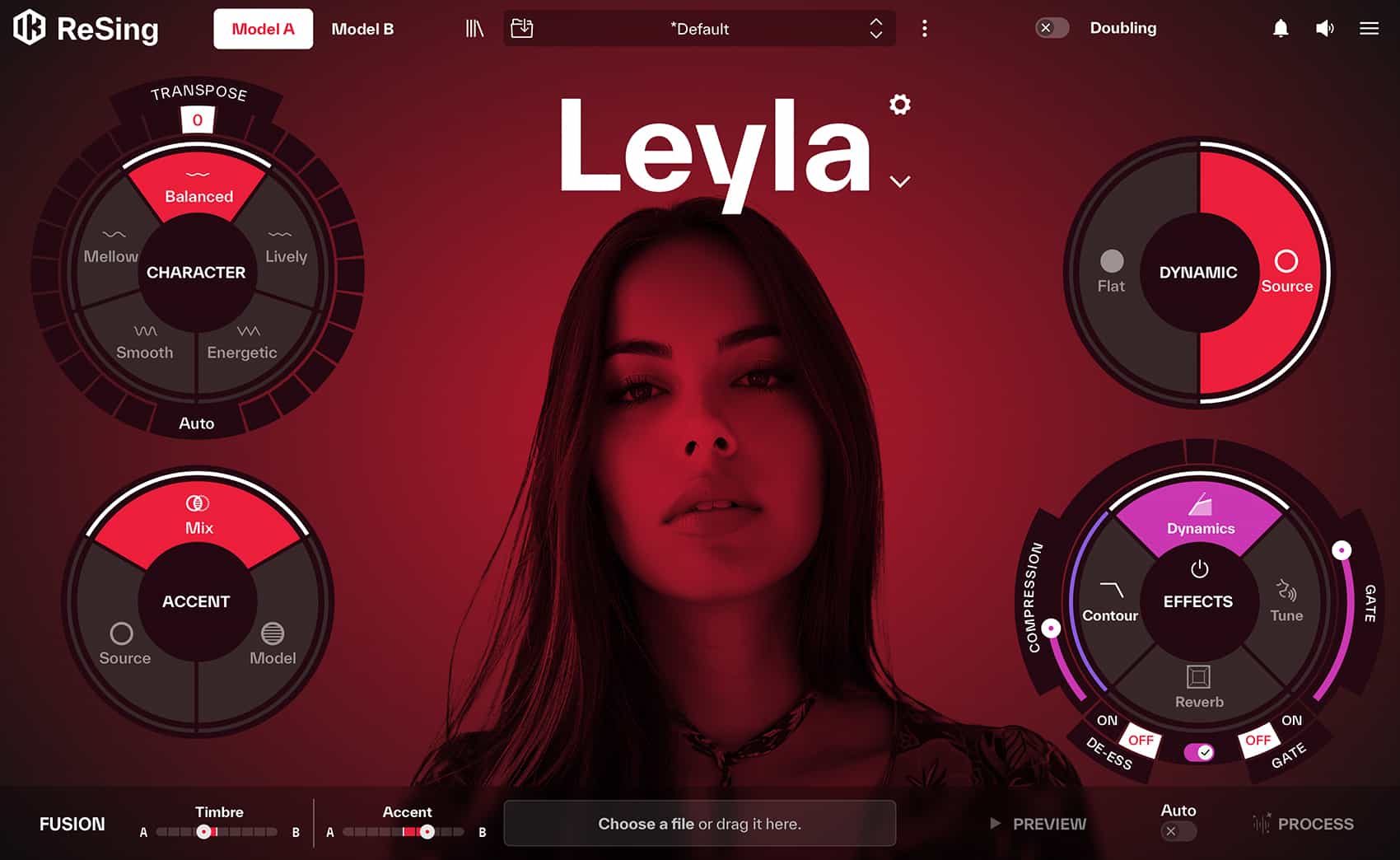
ReSing’s dedicated controls let you refine how a model interprets your source audio. Transpose shifts the voice into another key, while Auto mode adapts the key to the selected model. Character adjusts the personality of the sound, helping you move between smoother, mellower textures and brighter, more energetic results.
Accent lets you choose between your original pronunciation, the model’s pronunciation, or a blend of both. The Dynamic control shapes the energy of the performance, from a more consistent delivery to a wider expressive range. For even more distinctive results, Fusion combines two models to create hybrid voices with their own character.
Create your own custom models
ReSing MAX includes 25 model generations, allowing you to build custom voice or instrument models with the ReSing Modeler. Training takes place locally on your computer, giving you control over the source recordings and the resulting model.
Customize model information, select a supported language, and choose a training quality that balances speed and precision. Preview the model during training to evaluate the results as it develops. IK Multimedia recommends approximately 15 minutes of clean source audio for model creation; training time varies considerably depending on your computer and available GPU acceleration.
Integrate voice modeling into your production workflow
Use ReSing as a standalone creative environment or incorporate it into your recording setup as a plug-in. ARA support allows direct audio access and processing within compatible DAWs, streamlining the workflow between your session and ReSing’s modeling engine.
In workflows without ARA, import audio through the built-in browser or drag-and-drop area, process it with your chosen model and settings, then drag the finished audio back into your session. The built-in player and preview functions make it easy to audition transformations before committing to full processing.
Polish your sound with integrated effects
Go beyond model selection with integrated processing tools for refining the finished performance. ReSing includes dynamics, EQ, reverb, and pitch correction, along with effects controls designed to help shape and enhance your sound. Combine voice modeling with these tools to develop a cohesive vocal character within a single environment.
Local processing and room to expand
ReSing performs audio transformations directly on your computer rather than sending recordings to external processing servers. This desktop-native approach keeps the modeling workflow local and avoids cloud-processing queues.
Expand your collection with unlimited model imports, including support for RVC models from compatible community sources. With its included library, custom model-generation capabilities, and one-time perpetual license, ReSing MAX offers a flexible platform for exploring new voices and instrument sounds over time.
ReSing is a 64-bit application and requires a 64 bit CPU and Operating System.
Mac® (64-bits)
Windows® (64-bits)
Internet connection is required for authorization.